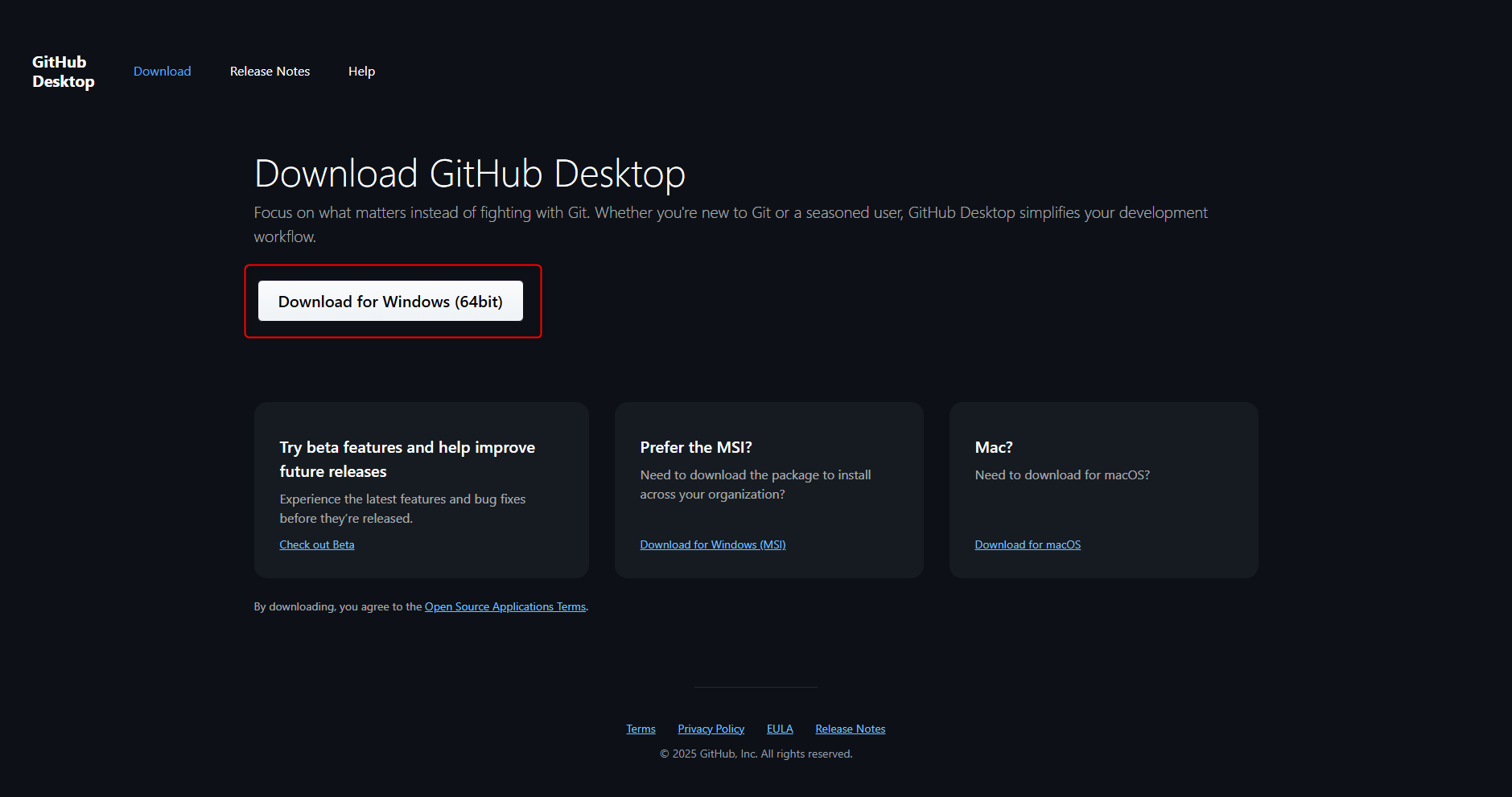
Step 1: Visit https://github.com/apps/desktop to download GitHub Desktop and click Download Now

Step 2: Click Download for Windows (64bit)
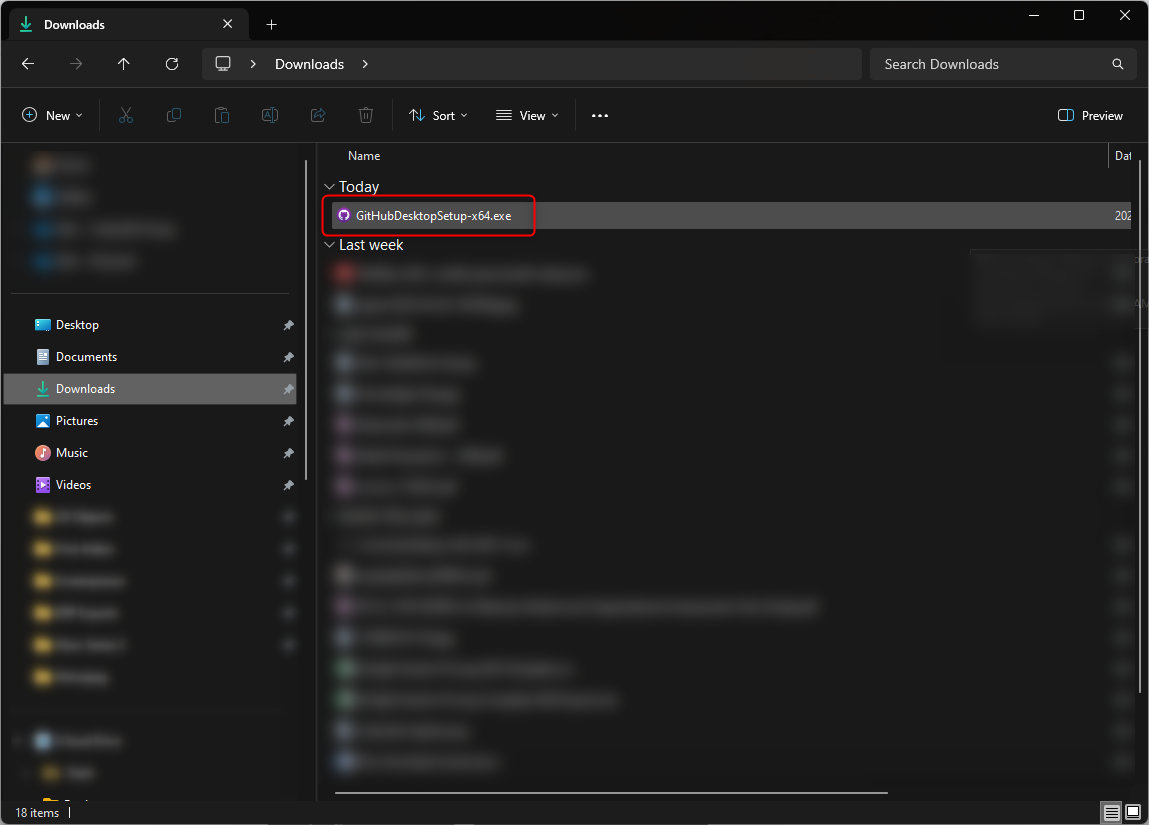
Step 3: Launch the installer

Step 4: Sign into GitHub through GitHub Desktop to load the organization's repositories
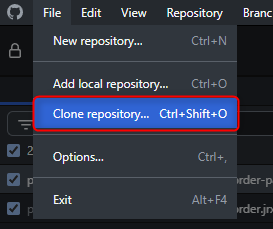
Step 5: Clone the repository to the local machine
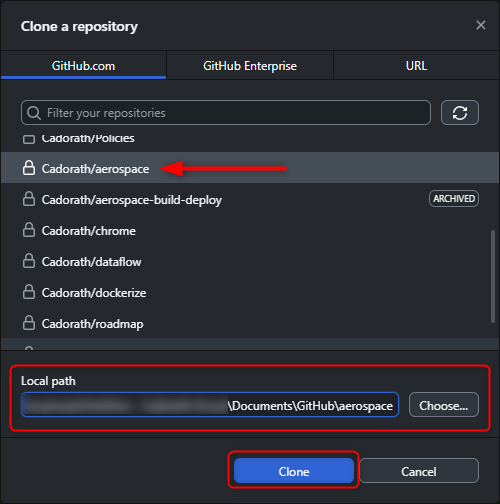
Choose the repository, the location where you want it saved, and click Clone

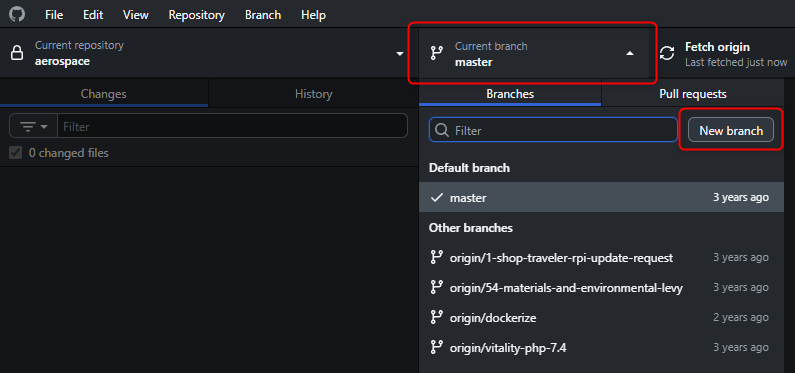
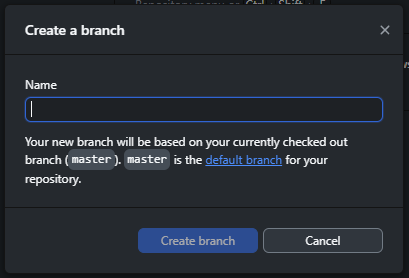
Step 6: Create a new branch for the update or feature you are working on and name the branch accordingly. Clieck Create Branch