
Sign in to the web vault (or unlock a locked session).
URL: https://apps.cadorath.com/passwords/
Mock user in screenshots:
jordan.lee@cadorath.com.
1. Open the Log in page
Go to the vault URL. You should see Log in with an email field.
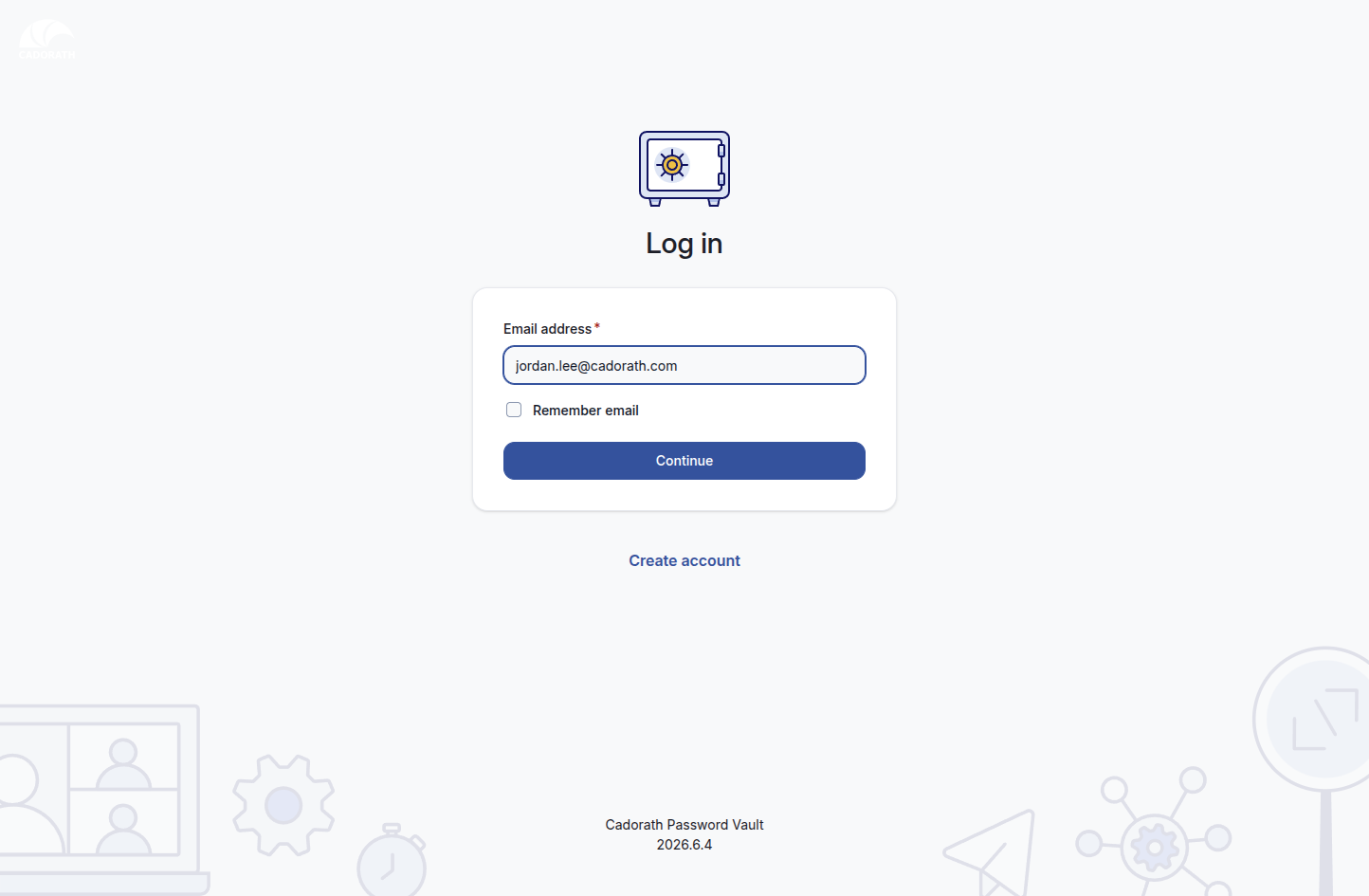 Log in page
2. Enter your email
- Type your
@cadorath.comemail. - Optionally check Remember email.
- Click Continue.
3. Enter your master password
On Welcome back, enter your master password and click Log in.
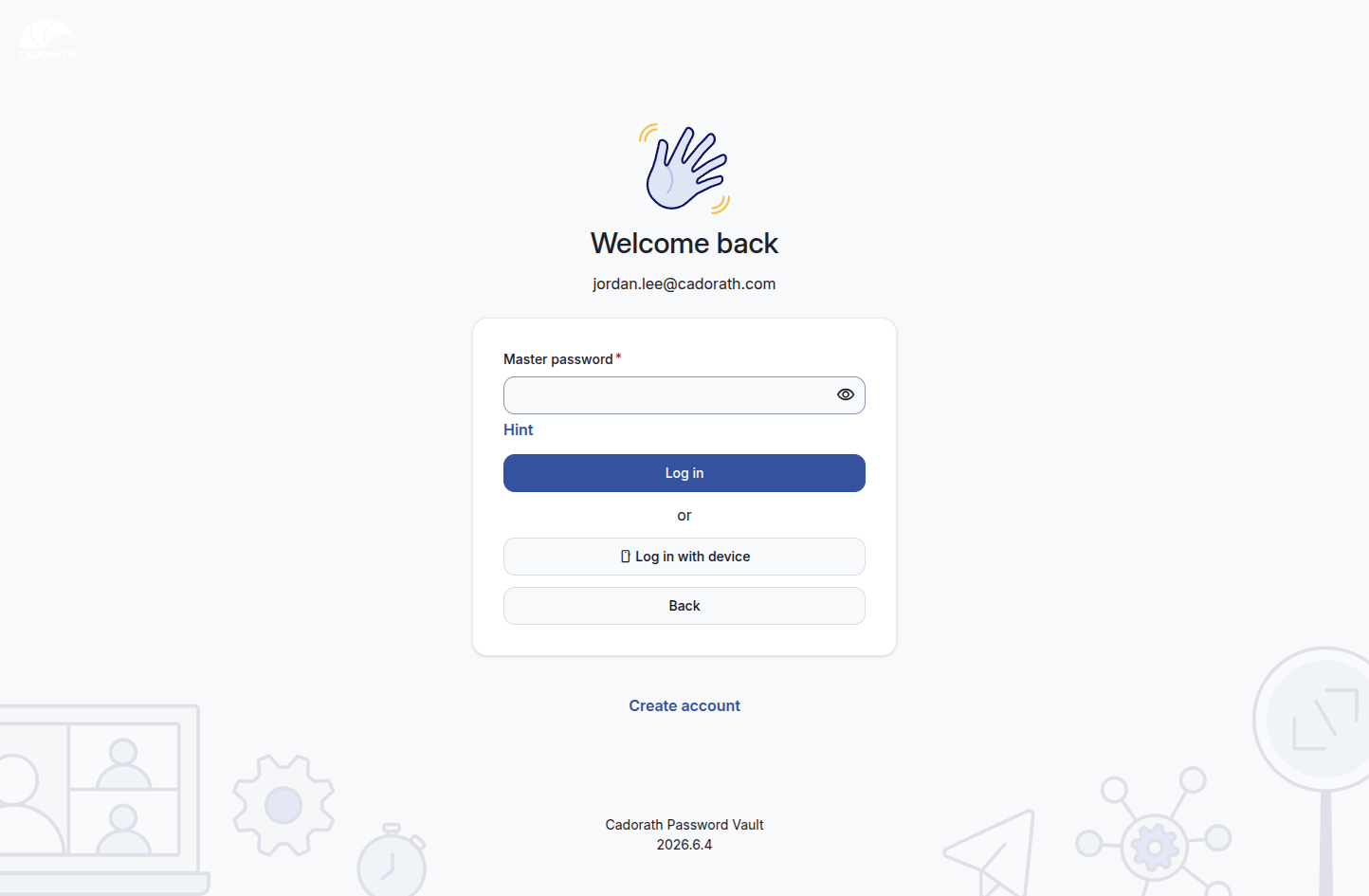
Master password step
Use Hint only if you set one during signup. Prefer Back if you mistyped the email.
4. Unlock a locked vault
If you already signed in and the vault timed out, you see Your vault is locked. Enter your master password and click Unlock.
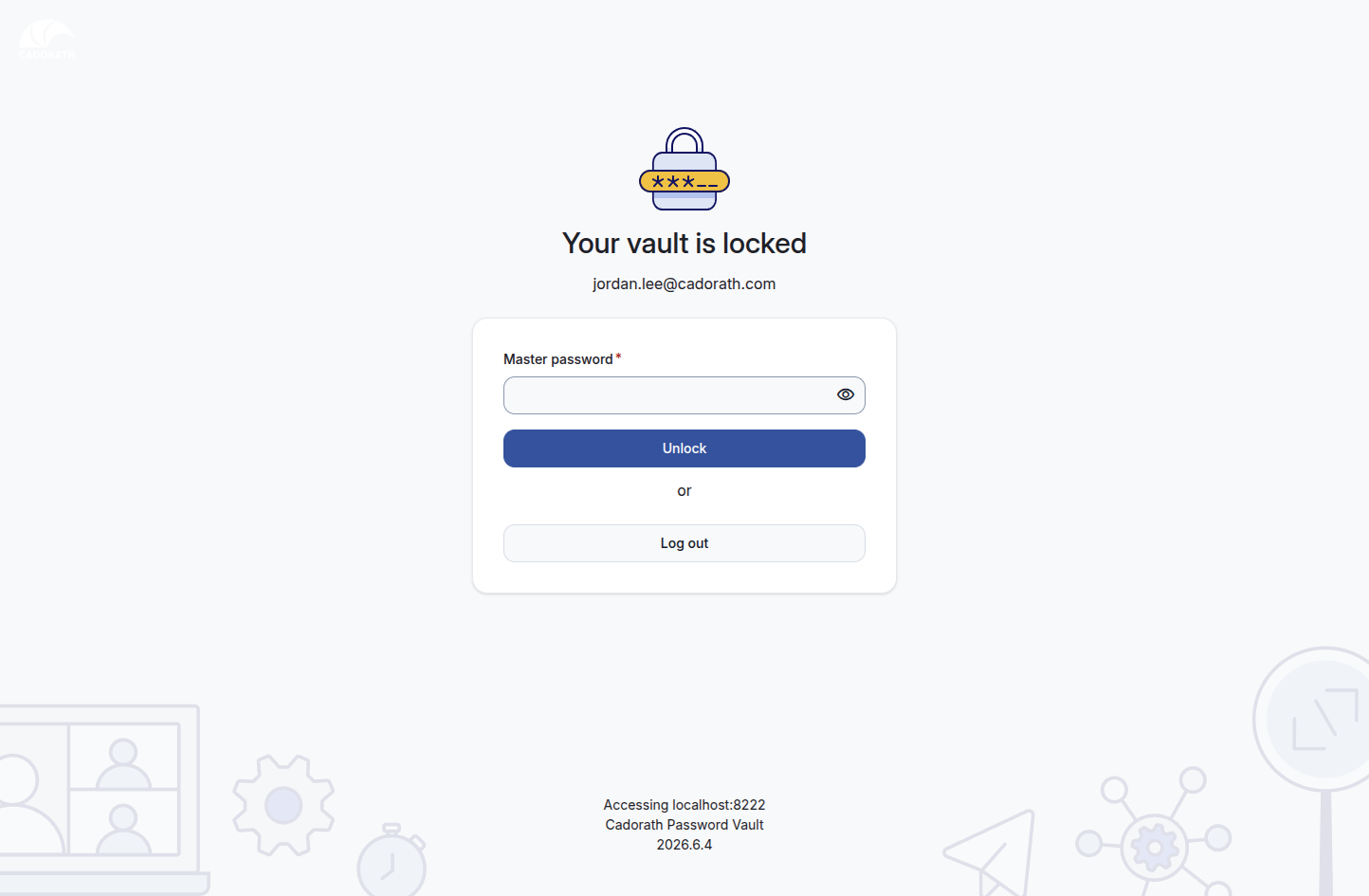
Vault locked
Log out ends the session completely (next visit starts at the email step).