
What you see the first time you open an empty vault after signup or first login.
1. Welcome tour
Bitwarden’s web vault may show a short product tour (welcome / features). Read through or dismiss when ready.
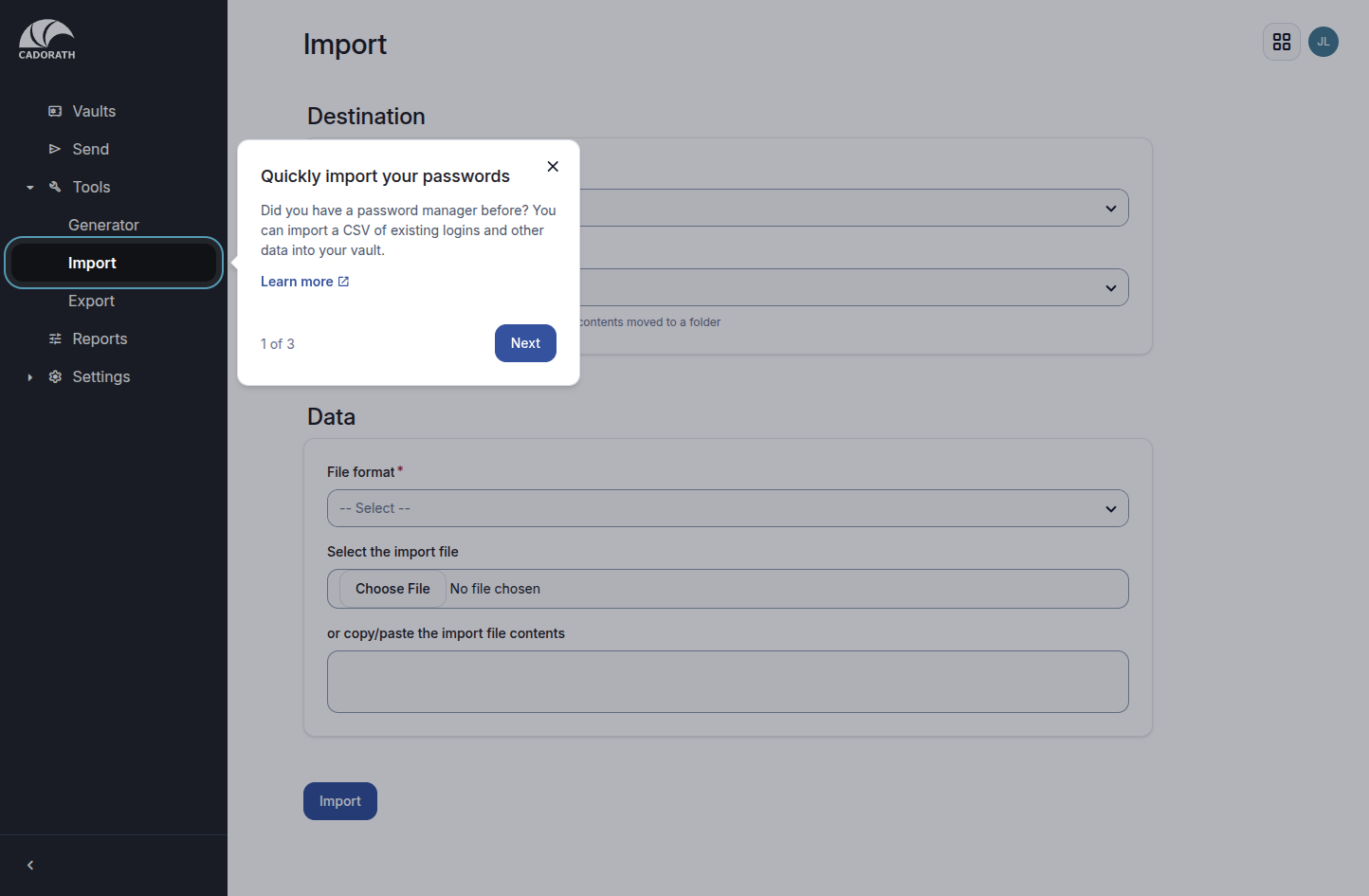
Welcome tour
2. Import callout
The tour often highlights Import so you can bring passwords from a browser or another manager. You can skip and import later — see Importing.
3. Empty vault checklist
With no items yet, the vault shows an empty state / getting-started checklist (add login, install extension, import, etc.).
Use the sidebar:
- Vaults — your items
- Tools → Generator / Import / Export
- Settings — account preferences