
Create strong, unique passwords with the built-in generator.
1. Open Tools → Generator
In the web vault sidebar: Tools → Generator.
You can also open the generator from a New Login password field (see Adding new items).
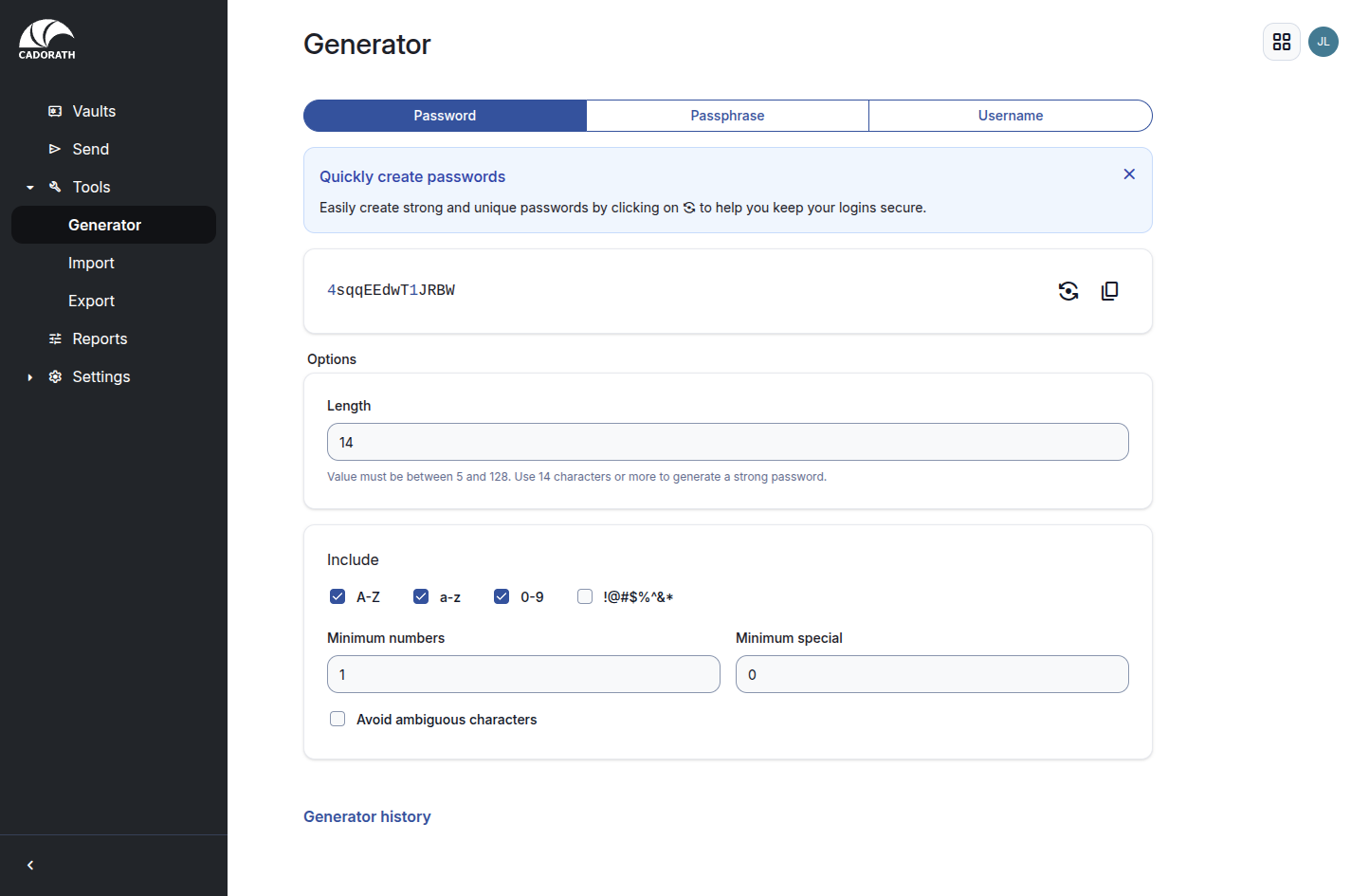
Generator page
2. Choose type and options
Tabs:
- Password — random character string (default for most logins)
- Passphrase — memorable word string
- Username — generated usernames / aliases when needed
Recommended starting options for passwords:
- Length 14+
- Include A–Z, a–z, 0–9
- Add special characters when the site allows them
- Optionally avoid ambiguous characters (
O/0,l/1)
3. Generate and copy
Click Generate password (refresh icon) until you like the result, then Copy password.
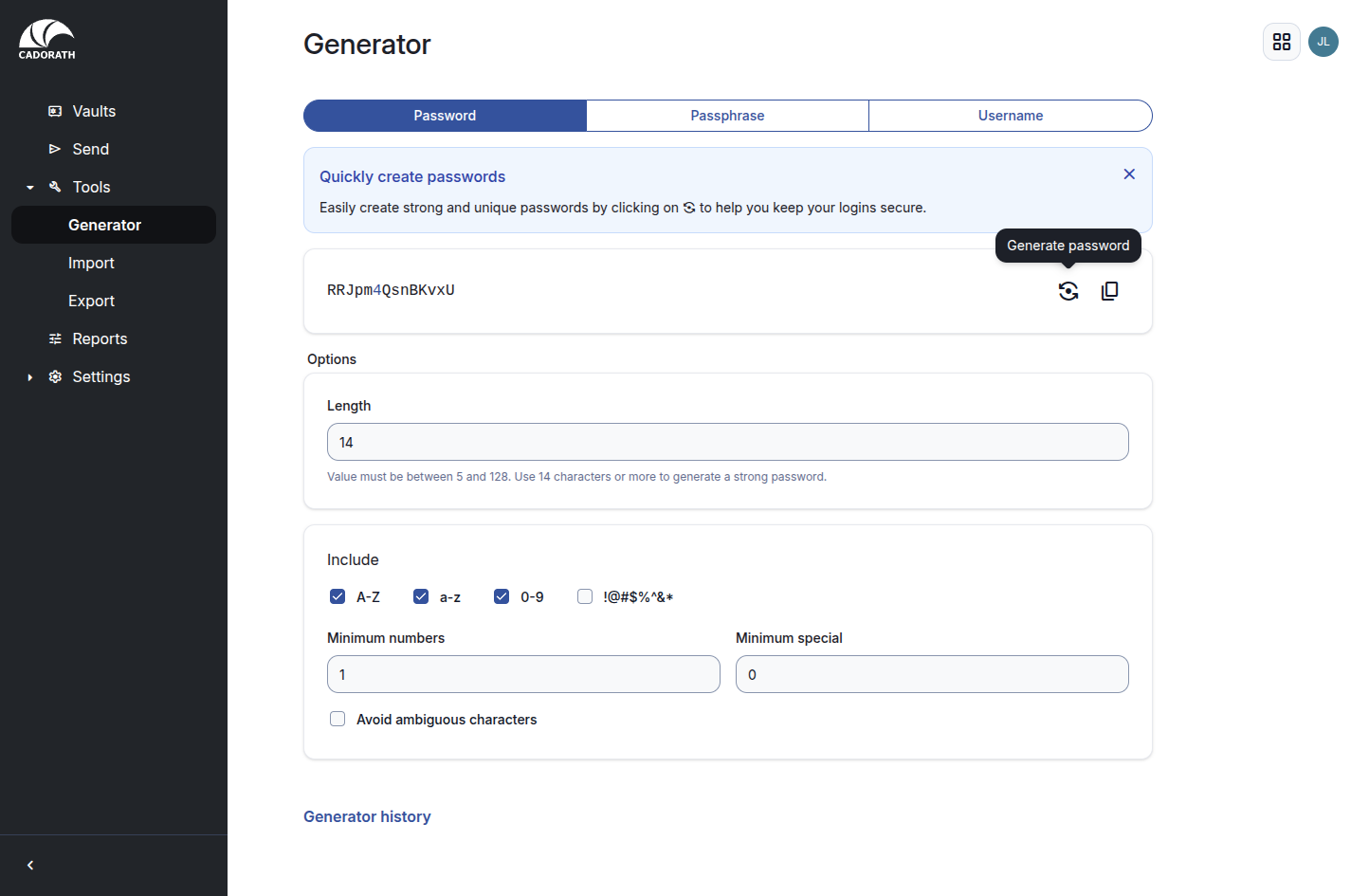
Generated password
Paste into the login item (or the website’s password change form), then Save the vault item.
Do not reuse generated passwords across sites. Use Generator history only as a short-term aid — prefer saving into a vault item immediately.